Chinese and English together
Use screenshots, menus, signs, study notes, and scanned documents. It reads Chinese and English in the same line.
中英文识别 · Chinese OCR
Extract simplified Chinese, traditional Chinese, English, numbers, and mixed lines from a queue of up to 10 images—privately, with no language switch and no upload.
Use screenshots, menus, signs, study notes, and scanned documents. It reads Chinese and English in the same line.
Start with Fast for everyday screenshots. High accuracy asks before it downloads, then reads every image in your list again.
Identity documents and business screenshots never need to leave your device. Finding and reading the text, editing, and making the ZIP all happen on your device.
Check each result as text or as a table, then copy it, download it on its own, or include every finished one in the ZIP.
Common questions
Yes. The model (PP-OCRv6) knows simplified Chinese, traditional Chinese, English, numbers, and punctuation.
Yes. Mixed-language lines are recognized by the same model, so you do not need to pick a language first.
Yes. Add up to 10 images or 100 MB; BrowserOCR reads them in order and lets you edit each result.
Not necessarily. It reads the letters more carefully, but both modes find lines of text the same way.
Checked: · Chrome 152.0.7977.76
Synthetic screenshot used by our OCR quality test. Arial / PingFang SC, 58 px, 1000 × 400 pixels; Chrome on macOS. This is a controlled example, not a document accuracy benchmark.
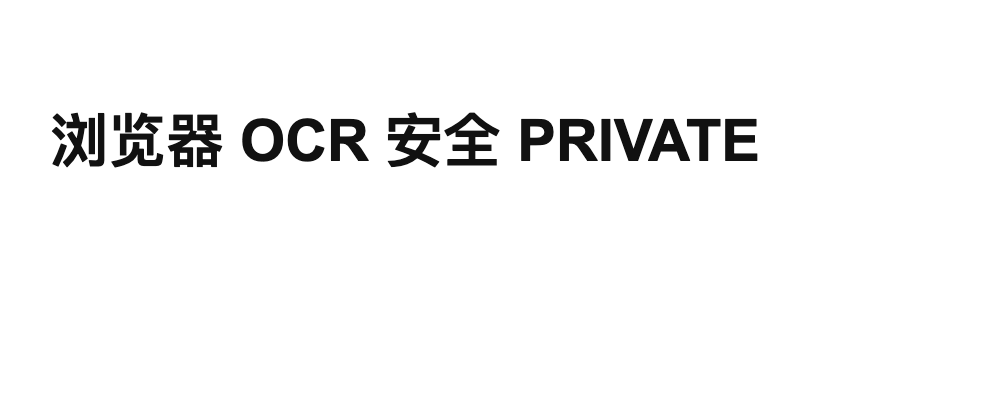
浏览器 OCR 安全 PRIVATE浏览器OCR安全PRIVATE烯OCR纬摧PRIVATEFast removes spaces in this sample. High accuracy makes Chinese character errors here: a larger recognizer does not guarantee a better result. Both use the Tiny detector. Review names, amounts and punctuation against the image before exporting. Blur, small print, handwriting, vertical text and complex layouts need separate checks; this sample does not establish their quality.